how to add klimaticket to apple wallet
I recently purchased the KlimaTicket and noticed that the ticket can only be displayed in the ÖBB app or the Wiener Linien app, but not in Apple Wallet. After a quick Google search, I couldn't find an easy solution. Fortunately, I found a simple method in the Apple App Store.
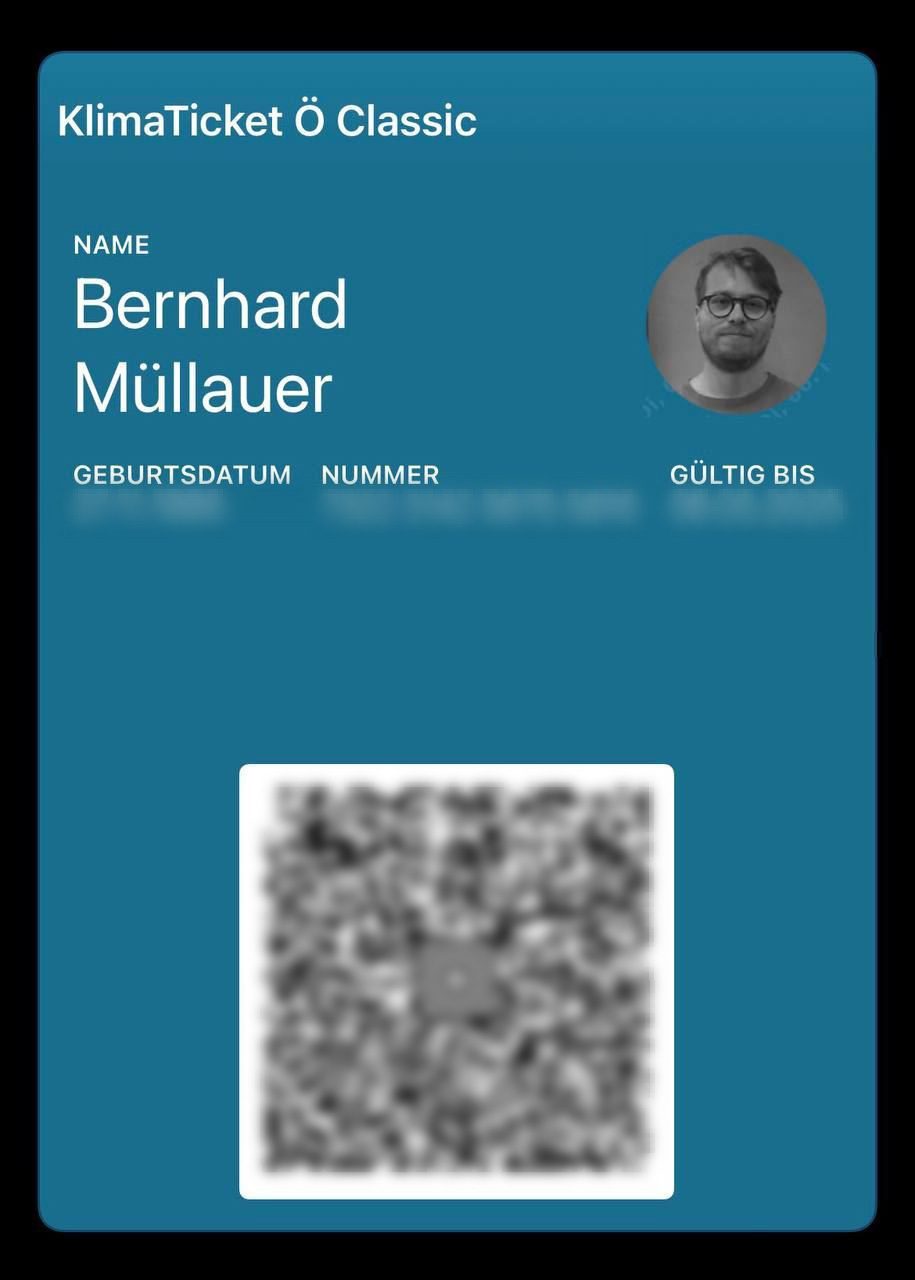
step 1: take a screenshot of the qr code
- Add your KlimaTicket in the ÖBB app or Wiener Linien app.
- Open the ticket and take a screenshot of the ticket's QR code.
step 2: download pass2u wallet
Download the Pass2U Wallet app from the Apple App Store and open it.
Pass2U Wallet on the App Store↗
step 3: create a new pass
- Select the "Create a new pass" option in the app.
- Tap on "Get the barcode..." and select the last option to open the gallery.
- Select the screenshot of the QR code.
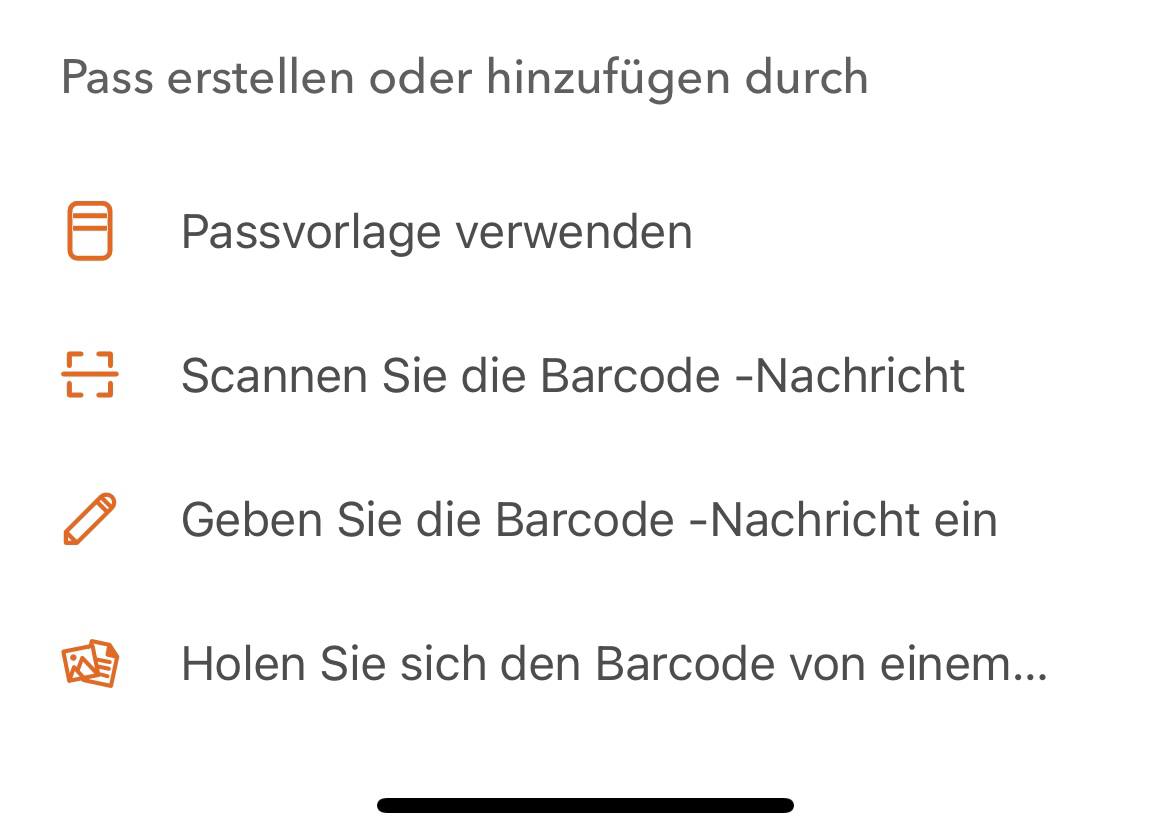
step 4: configure the pass
Select "Other" as the type.
Enter "KlimaTicket Ö Classic" (or the name of your specific ticket) for the name and title.
Fill in the fields:
Title: "Name" | Value: Your name
- Title: "Date of birth" | Value: Your date of birth
- Title: "Number" | Value: Your ticket number
- Title: "Valid until:" | Value: Your ticket's expiry date
Customize background color
Enter the following HTML code for the background color: #196D8F so the color matches the KlimaTicket.
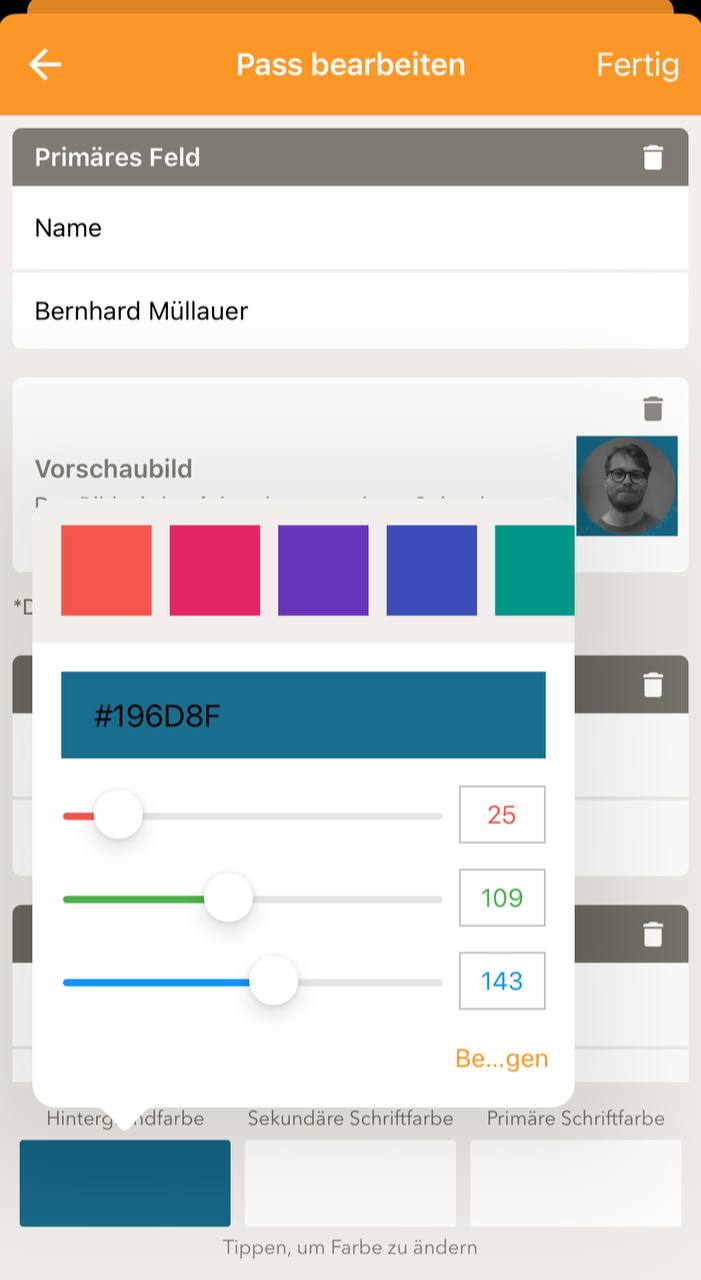
step 5: finalize the pass
Press "Done", click on the pass and add it to your Apple Wallet!
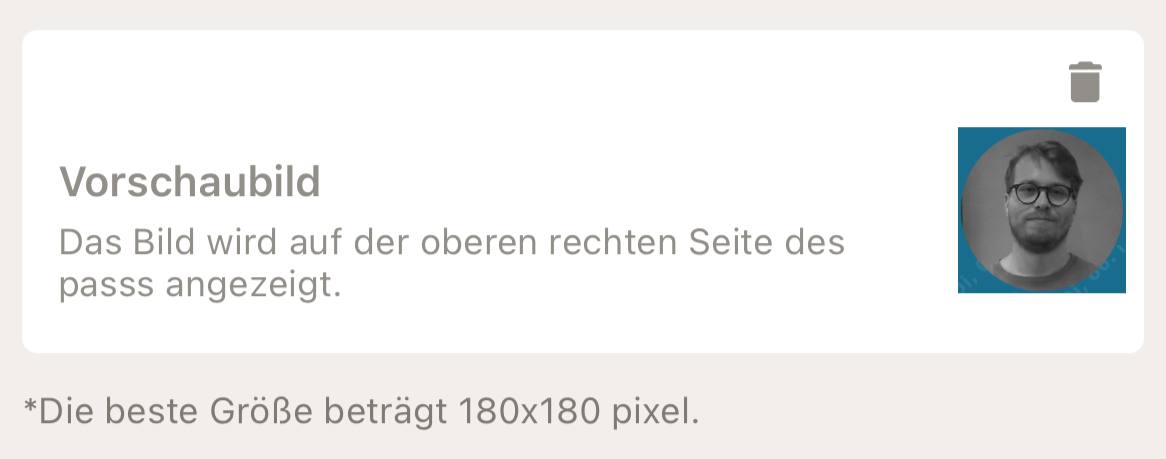
Optional: You can take a screenshot of an image from the app and crop it to add it for an optimal appearance.
tested and working
I have already tested this method while taking the train to Wr. Neustadt, and it worked without any problems. This solution is not only practical but also allows you to have your KlimaTicket readily available directly in Apple Wallet.

Web developer and strategist from Vienna. Passionate about clever solutions that make everyday life easier.